
Table of Contents
The Dashboard is your command center, providing a quick snapshot of your business health.
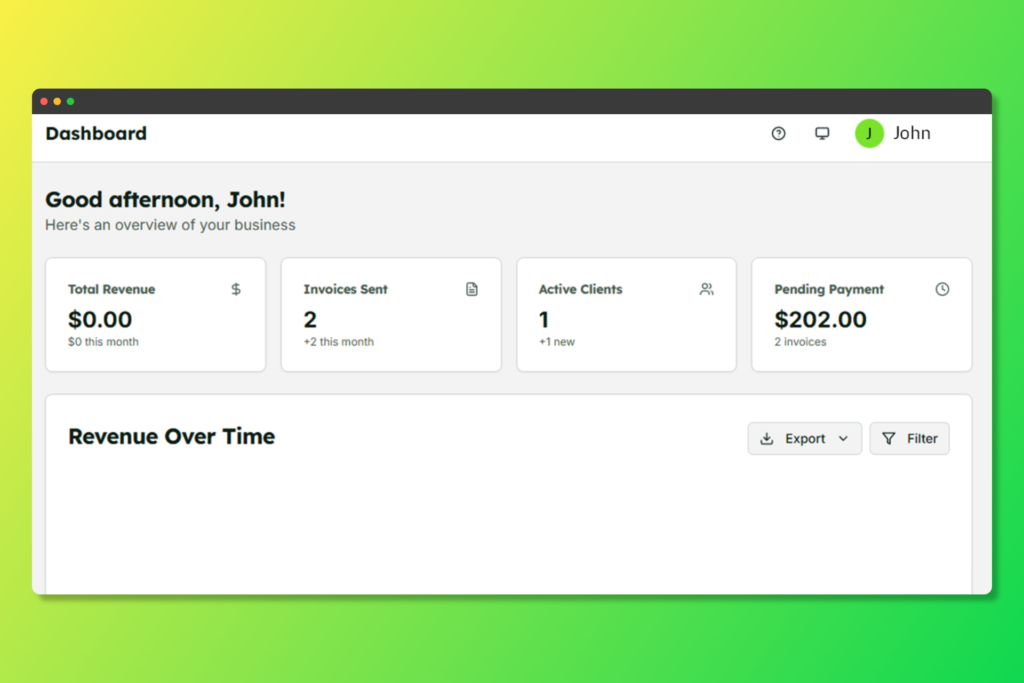
Your TeraInvoice dashboard with key metrics and revenue chart
Key Metrics #
- Total Revenue: Your total earnings from paid invoices
- Outstanding Amount: Money owed to you from unpaid invoices
- Paid Invoices: Count of successfully paid invoices
- Pending Invoices: Invoices awaiting payment
Revenue Chart #
The interactive revenue chart displays your earnings over time, helping you identify trends and seasonal patterns. You can filter by:
- Last 7 days
- Last 30 days
- Last 12 months
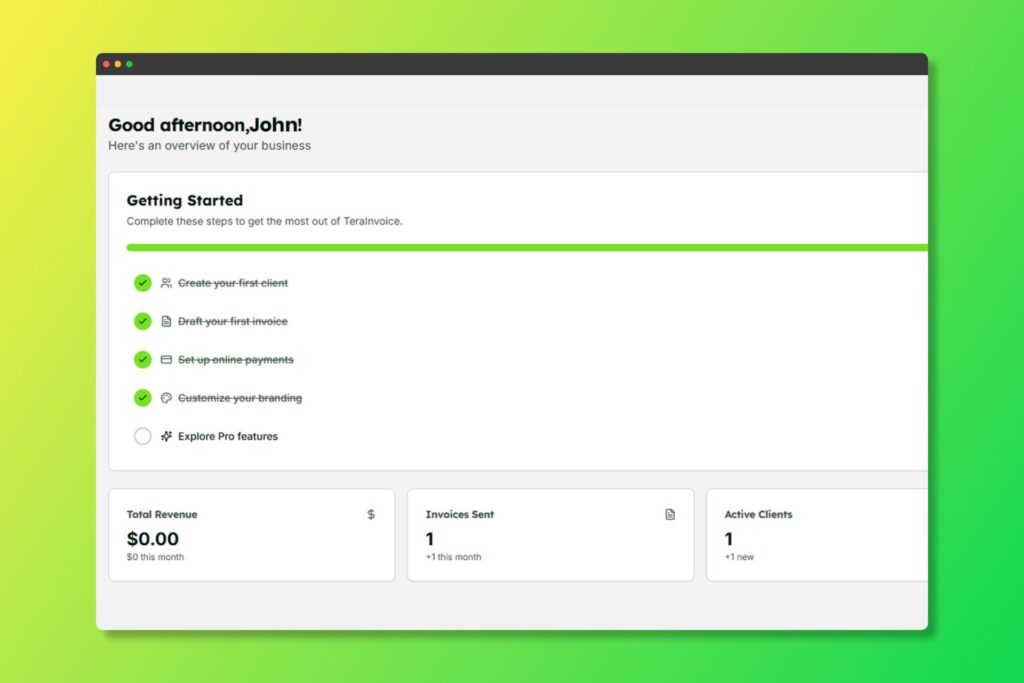
Getting Started Guide #
New users will see a helpful onboarding checklist to ensure you’ve set up all essential features.
Quick Actions #
From the dashboard, you can quickly:
- Add a new client
- Create a new invoice
- View recent invoices
- Access settings


