
Table of Contents
Save time by creating reusable invoice templates for recurring work.
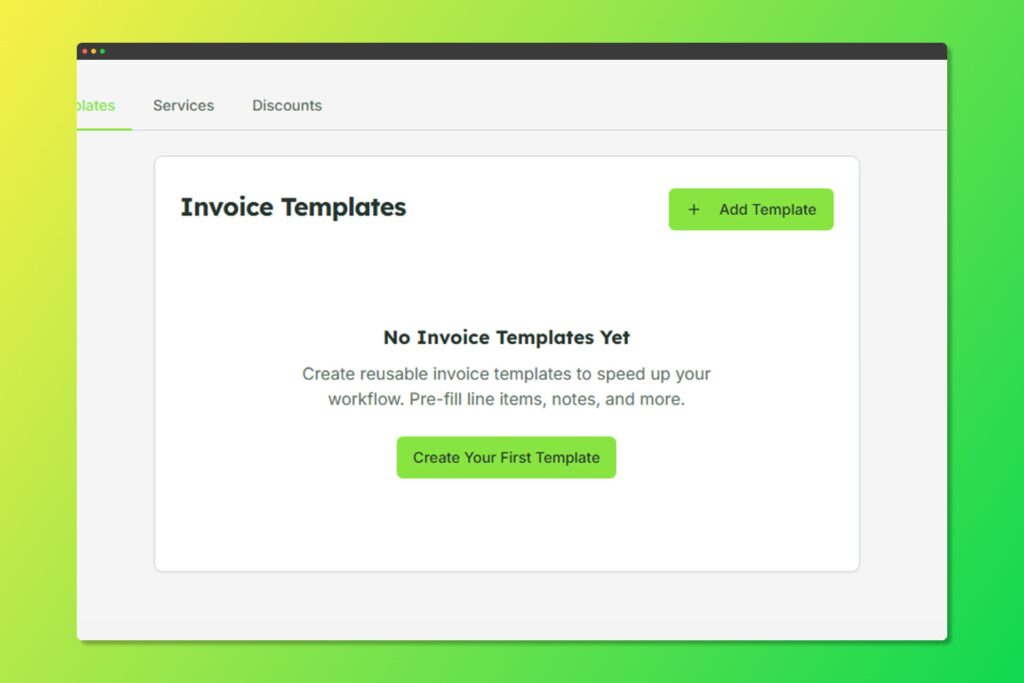
Manage your invoice templates
Creating an Invoice Template #
- Go to Templates from the sidebar
- Select the Invoice Templates tab
- Click Add Template
- Configure your template:
- Template Name: A descriptive name
- Default Title: Pre-filled invoice title
- Line Items: Standard services/products
- Discount: Default discount settings
- Tax Rate: Default tax percentage
- Currency: Template currency
- Notes: Standard notes/terms
Using Invoice Template #
When creating a new invoice:
- Click Use Template
- Select your desired template
- The invoice will be pre-populated with template data
- Customize as needed for this specific invoice


