
Table of Contents
For creative professionals, TeraInvoice offers sample preview features to showcase work before payment.
Sample Images with Watermark #
Upload sample images that are automatically watermarked until the invoice is paid.
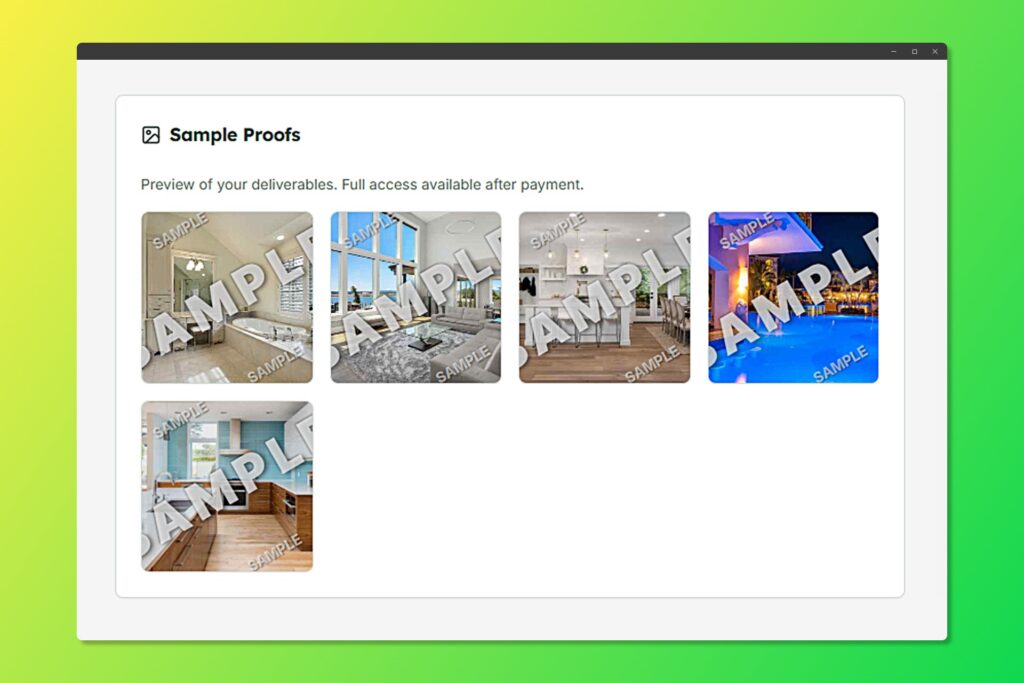
Watermarked samples protect your work until payment
Adding Sample Images #
- When creating or editing an invoice, scroll to Sample Preview
- Click Upload Samples
- Select up to 10 images
- Images are automatically watermarked with your branding
- After payment, clients receive full-resolution unwatermarked files
Deliverables Section #
Define what the client will receive upon payment.
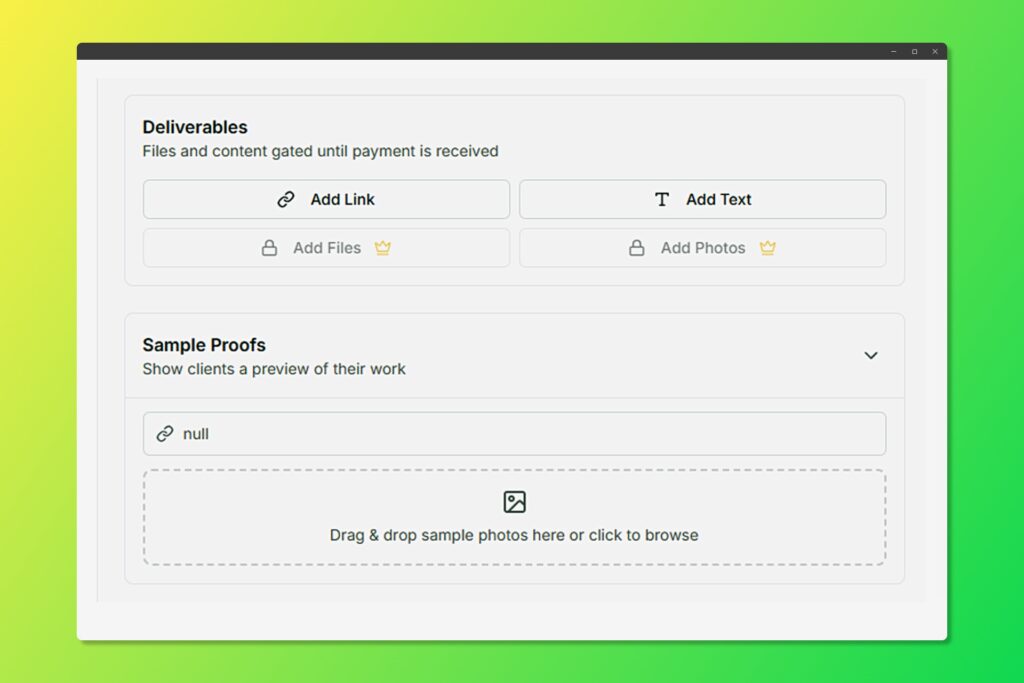
Choose what file type that match your needs to deliver your work
Adding Deliverables #
- Enable Deliverables in the invoice form
- Add deliverable items:
- Name: What you’re delivering or details about the deliverable
- Type: Files, Photos, Text, Link.
- Clients see these listed on the invoice before paying
Use Cases #
- Photographers: Watermarked proofs, full resolution upon payment
- Designers: Low-res mockups with watermarks
- Videographers: Preview clips, full video after payment
- Artists: Digital artwork previews


