
How to Open a PayPal Business Account if You are Individual
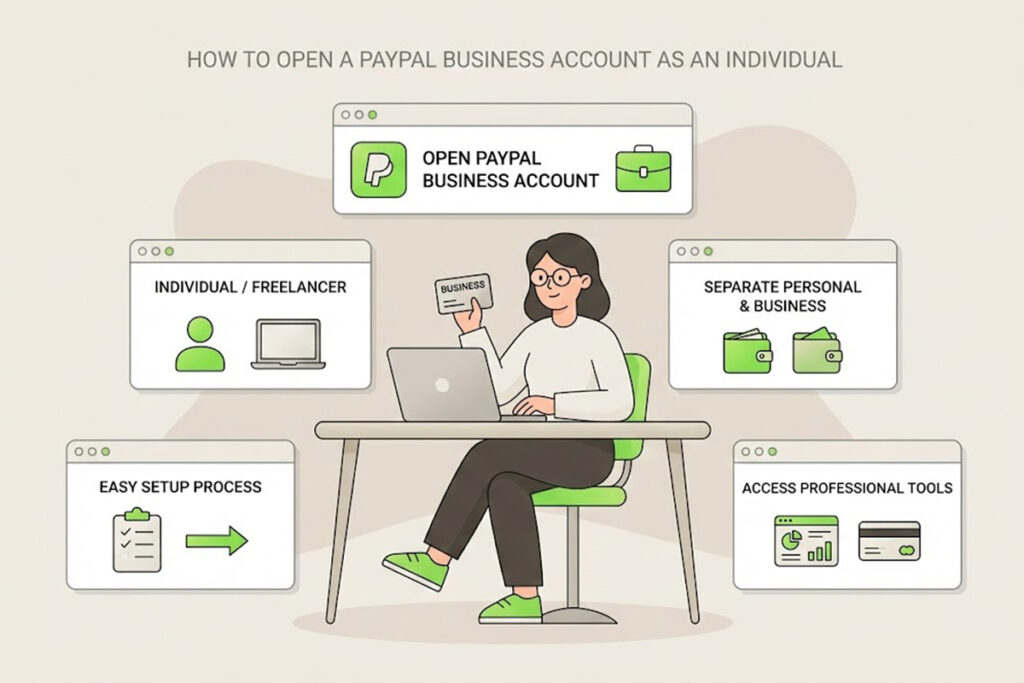
So, you’ve finally started your freelance gig, or started taking commissions. Congratulations! But now you hit a wall: getting paid.
You want to look professional. You want to send proper invoices. And frankly, you’re tired of giving out your personal email address for payments. You know you need a PayPal Business Account, but you’re stuck on the sign-up page. It’s asking for a “Legal Business Name” and “Business Type,” and you don’t have an LLC, a Corp, or even a fancy logo yet.
Good news: You don’t need a registered company to have a PayPal Business account.
If you are a freelancer, consultant, or sole trader, you are the business. Here is the step-by-step guide to setting up your professional account today—completely legally and for free.
Why Bother with a Business Account?
Before we dive into the “How,” let’s quickly cover the “Why.” Why not just use your personal PayPal?
Privacy: On a personal account, your customers see your full legal name on every transaction. With a business account, they see your “Business Name” (which can be your brand name, like “Sarah Designs”).
Professionalism: You can send branded invoices that look legitimate, not just money requests.
Payment Options: You can accept credit card payments from clients who don’t have PayPal accounts.
Clean Finances: It keeps your business income separate from your personal grocery money. Come tax season, you will thank yourself.
What You Need Before You Start
A new email address: Don’t use the one linked to your personal PayPal. Create a dedicated email (e.g.,
payments@yourname.comor just a separate Gmail).Your SSN (Social Security Number): Since you don’t have an Employer ID (EIN), you will use your SSN for tax identity.
Your Bank Info: You’ll need a bank account to link for withdrawals.
The Step-by-Step Guide
1. Start Fresh
Go to PayPal.com and click Sign Up. When asked to choose between “Personal” and “Business,” select Business.
2. The “Business Type” Selection (The Most Important Step)
PayPal will ask for your business structure. This is where most people panic.
Select: “Individual / Sole Proprietorship”
Do not select Corporation, Partnership, or LLC.
What this means: In the eyes of the law (and PayPal), you and your business are the same entity. This is perfectly legal and requires no paperwork to set up.
3. Filling in the “Business Details”
Legal Business Name: If you have not registered a specific business name with your state (a DBA), your “Legal Business Name” is your own legal name.
Pro Tip: Later in the settings, you can often set a “Trading Name” or “Display Name” that customers see, but for the legal signup, use your name if you are unregistered.
Business Phone: Use your cell phone number.
Business Address: If you work from home, use your home address. (Don’t worry, you can often hide this on invoices or use a PO Box later if privacy is a major concern).
4. The Tax & Identity Section
PayPal is a financial institution, so they must verify who you are to prevent fraud and money laundering.
Employer ID (EIN): Leave this blank or skip it if allowed.
SSN: Enter your Social Security Number here.
Date of Birth: Enter your real DOB.
5. “What do you sell?”
You will be asked to describe your business.
Product/Service Keywords: Start typing what you do (e.g., “Graphic Design,” “Tutoring,” “Writing”). Select the category that fits best. It doesn’t have to be perfect; it just helps PayPal categorize risk.
Website: If you don’t have a website yet, you can usually leave this blank or link to your LinkedIn/portfolio profile.
6. Link Your Bank
Connect the bank account where you want your earnings to go.
Advice: If possible, open a separate (free) checking account at your local bank just for business. Link that one. It makes accounting 100x easier than mixing it with your personal rent and food money.
Frequently Asked Questions
Q: Will the IRS know about this? A: Yes. If you process over a certain amount in sales (currently the threshold varies by state and year, often $600+), PayPal is required by law to send you and the IRS a 1099-K form. This happens whether you use a Personal or Business account, so you might as well use the Business one to stay organized.
Q: Does it cost money? A: Opening the account is free. However, PayPal charges transaction fees (usually around 2.9% + $0.30 per transaction) when you receive money for goods and services.
Q: Can I upgrade my Personal account instead? A: You can, but I rarely recommend it. It mixes your transaction history. It is much cleaner to keep your “Pizza money” account separate from your “Client money” account.
Summary
You don’t need a lawyer, an accountant, or a corporate seal to be a “Business” on PayPal. By selecting Individual/Sole Proprietorship, you get all the tools of a big company without the headache.
Ready to look professional? Go grab that new email address and set up your account in the next 10 minutes. Your first professional invoice is waiting to be sent!
