
Table of Contents
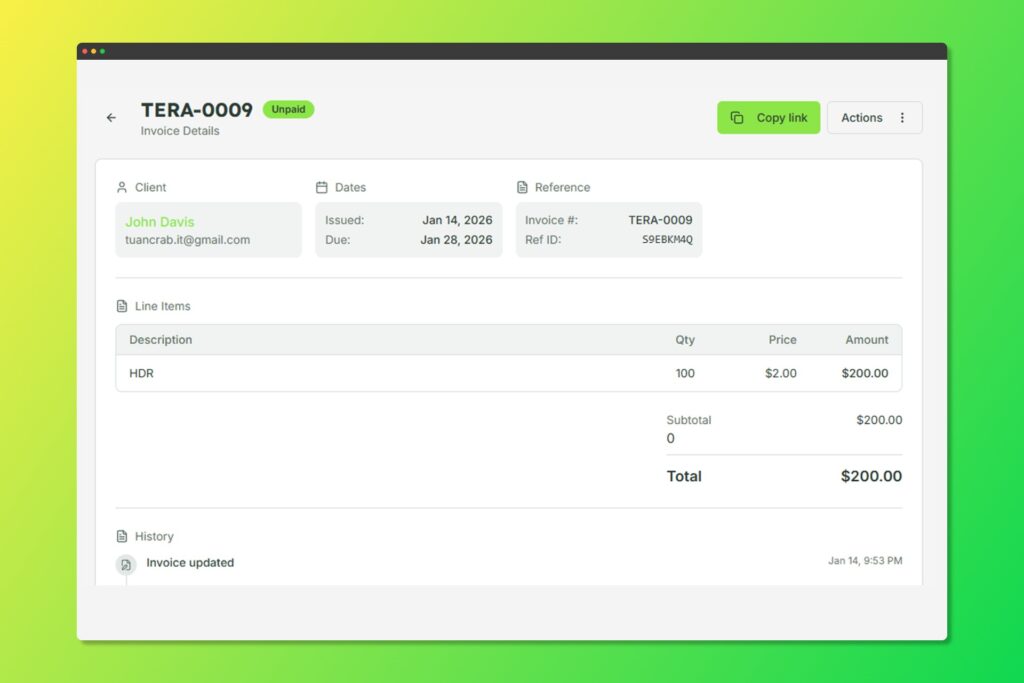
View invoice details with send, share, and download options
Sending via Email #
- Open the invoice you want to send
- Click Send Invoice
- Review or customize the email content
- Click Send
The client will receive an email with:
- Your custom message
- Invoice summary
- A secure link to view and pay
Sharing Invoice Links #
Every invoice has a unique, secure shareable link:
- Open the invoice
- Click Copy Link
- Share the link via any channel (email, messaging, etc.)
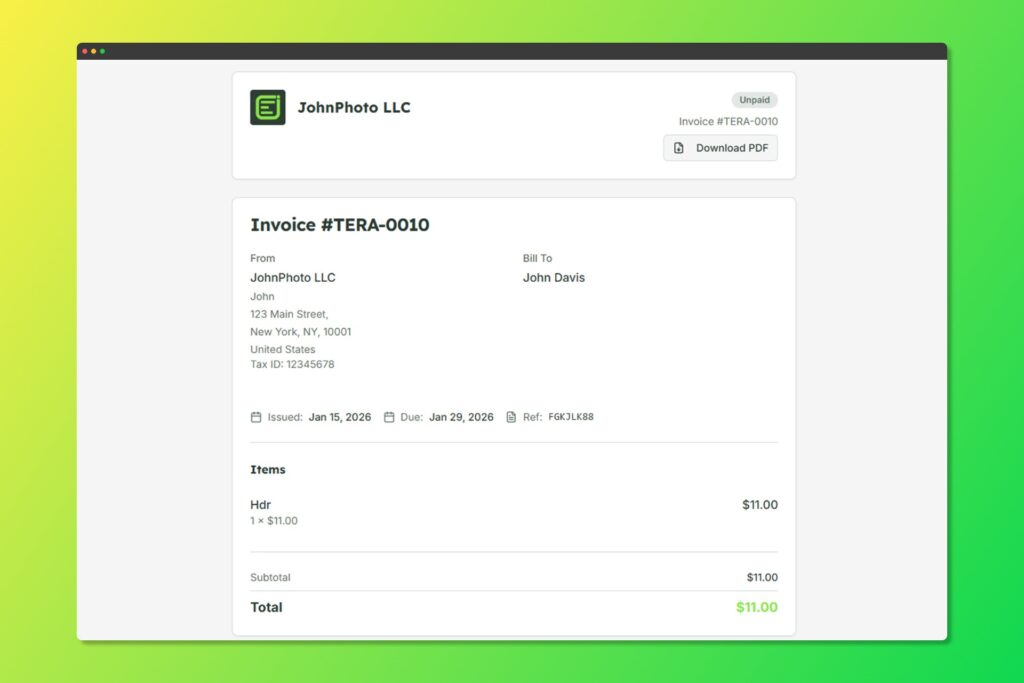
How your clients see your invoices
The link allows clients to:
- View the complete invoice, deliverables, and proof images (if available)
- Download as PDF
- Make a payment (if enabled)
Downloading PDF #
Export invoices as professional PDF documents:
- Open the invoice
- Click Download PDF
- The PDF includes all invoice details with your branding


